work / 2026
BC250 Ronin: A Desktop with a Front Panel
A working BC250 desktop and animated ESP32-P4 resource display, with a custom case ready for its first fabrication run. About $375 spent so far; the one-off sheet-metal part is estimated at $275.
The cinematic commercial — a 60-second case-design film with calm audio. The film shows the proposed enclosure in Blender; fabrication and several depicted features remain in progress.
I had a BC250 board and wanted to turn it into a desktop for managing my networked AI agents. The project grew into two connected builds: a case designed around the board, and a small front display that can show what the host is doing without taking over the main screen.
The machine internals are built and validated. The software is set up, including the display, and cooling has had an initial practical check. Gamepad startup is not finished. No case parts have been manufactured yet; fabrication is the next step.
The film and original studio images are Blender renders made from the CAD assembly. The desktop and living-room scenes are AI-generated design concepts. None shows a fabricated enclosure. Initial cooling checks on the current machine are not a substitute for testing it again inside the finished case.
The cost of making one
About $375 has gone into the project so far, including the filament needed for the case. The remaining item to procure is the sheet-metal piece, estimated at $275 for a single unit. That puts the expected total at roughly $650 on the current figures.
That one-off metal part is a substantial part of the budget. If there is enough interest, I would like to produce at least five machines, with a target of cutting the sheet-metal cost by at least 60% — from $275 to about $110 or less per piece. That reduction applies to the metal part, not the entire machine. It is a batch-cost target, not a confirmed production quote.
A case around the actual parts
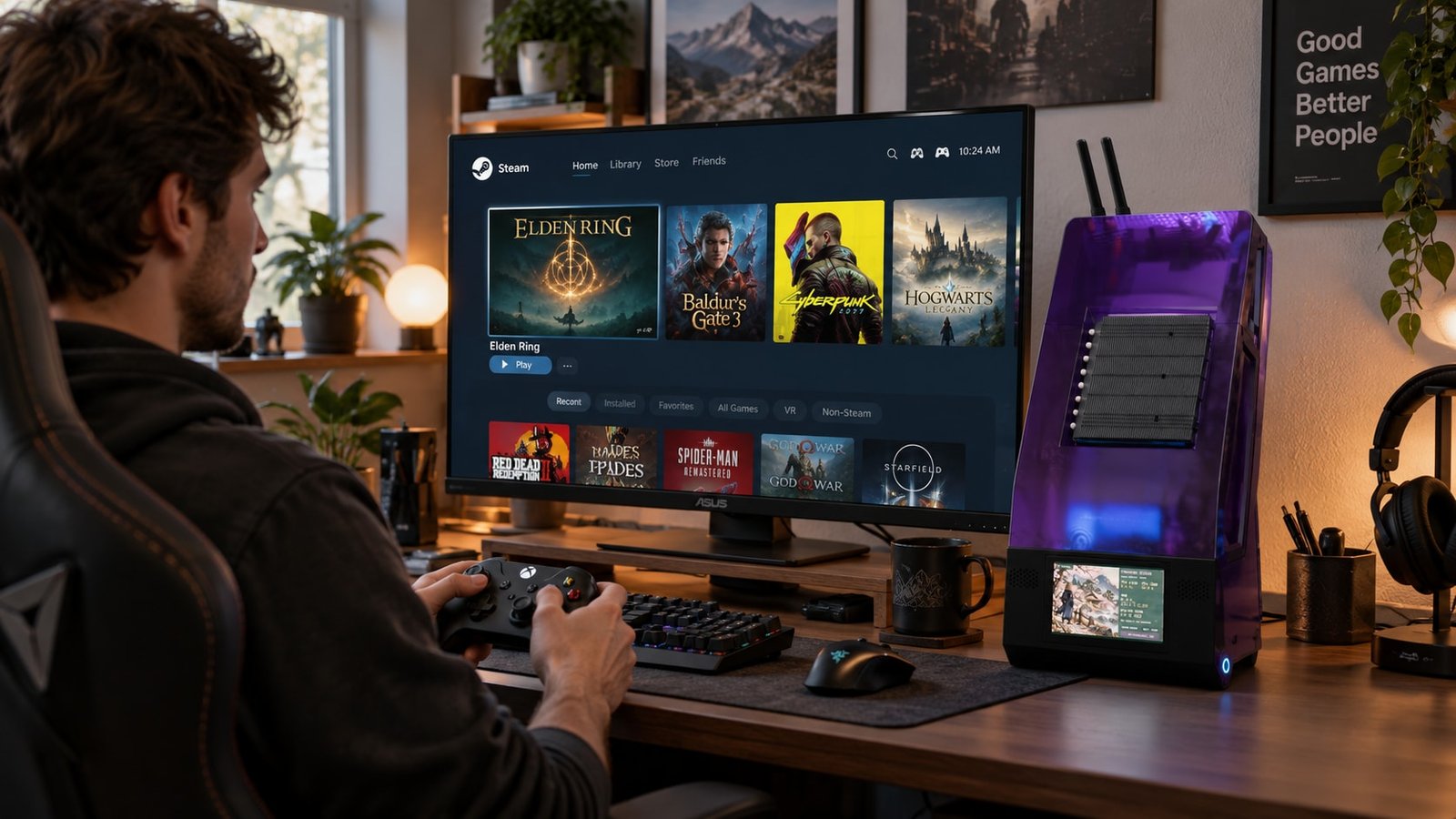
These lifestyle images explore how the proposed case could look in use. They are AI-generated concepts based on the design, not photographs of a manufactured case or proof of game performance.
The design uses a sheet-metal backbone, removable magnetic covers, and translucent PCTG panels. The layout accommodates the BC250, cooling hardware, an SFX power supply, storage, antennas, and the touchscreen at the base. The repository includes the SolidWorks assembly and 45 part files, plus neutral CAD files and a backbone flat-pattern DXF.
The Blender work carries the component geometry into lighting studies, stills, and editable product films. It is useful for checking the appearance of the covers and seeing where light escapes through the structure. It does not establish cooling performance or prove that every part will fit after fabrication.
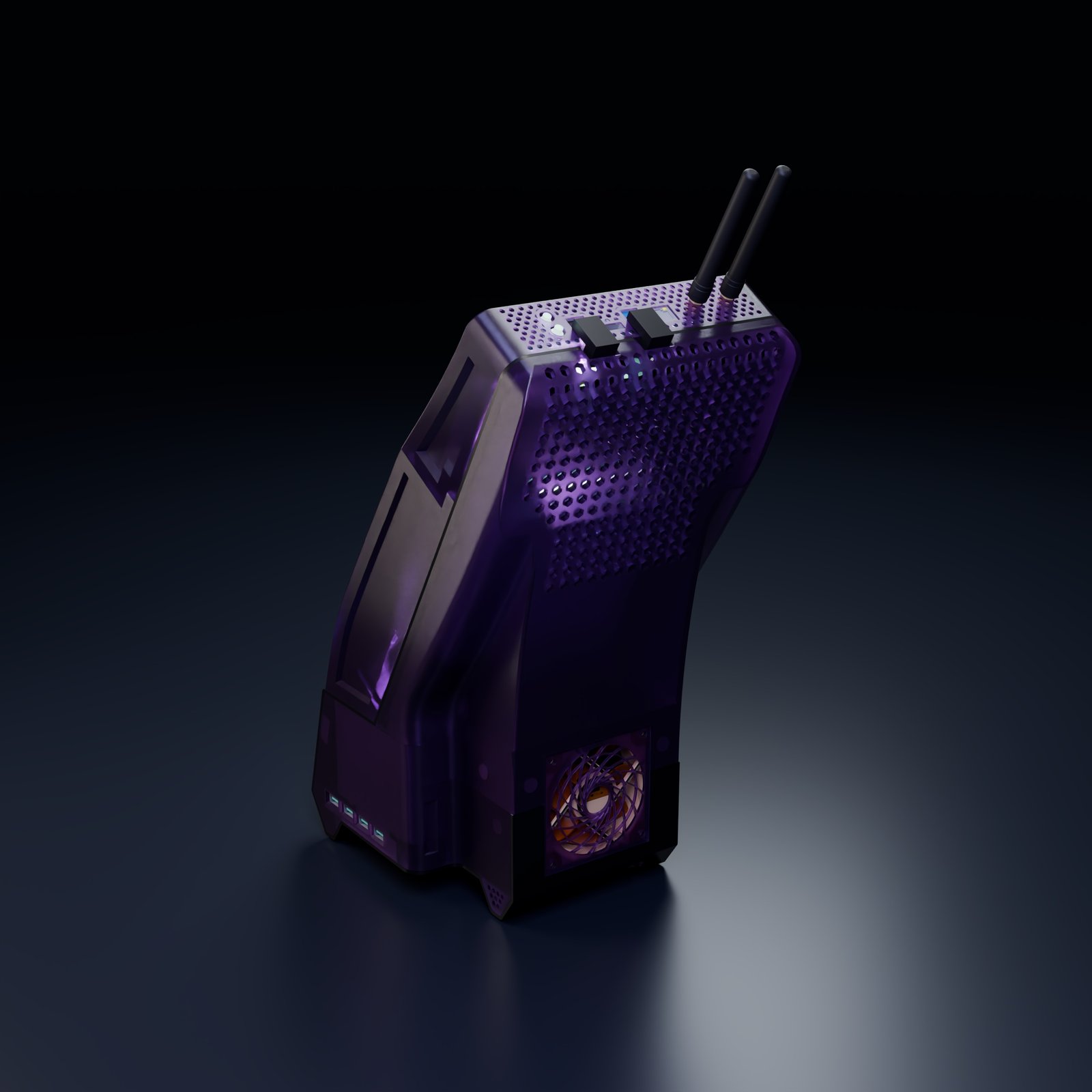
The latest lighting proposal uses two 24-pixel rings and a 12-pixel strip. The rings face the backbone so their light reaches the enclosure through gaps and perforations. That orientation and the strip are represented in Blender; their mounting changes are not finished in SolidWorks. The photographed-looking glow is a render treatment, not a measured LED-output prediction.
A display that has a job
The front panel uses an Elecrow CrowPanel Advanced 5-inch ESP32-P4 display at 800 × 480 pixels. A companion on the computer sends resource readings over USB serial. The implemented readings cover CPU load, memory, and disk usage, with optional Windows CPU temperature through LibreHardwareMonitor.
The background is an animated ronin and onsen scene. Day and night each have a roughly 20-second loop; separate clips handle sleep and wake. Each clip retains its own audio. The player lets transition audio finish over the following idle scene instead of cutting it off at the video boundary.
Measured playback after the media update was about 10 fps. The larger set took about 47 seconds to load at startup and left roughly 4.7 MB of PSRAM free. Those limits shaped the result: compressed frames, a fixed frame rate, and local media on the card. This is not a live desktop-video stream.
The things that needed fixing
The first large media transfer rejected a packet and stopped. The uploader and receiver gained per-packet CRC32 checks, bounded retries, a larger receive buffer, and a larger receiver stack. All eight video and audio assets then transferred and passed SHA-256 verification.
The supplied sleep and wake videos also ended in black footage while their audio continued. Trimming the picture and keeping the full audio avoided an unnecessary black-screen pause. Timing playback against elapsed time kept slow rendering from stretching the transition.
Windows temperature reporting took another detour. The installed monitor's WMI interface returned an invalid-namespace error. Its local HTTP feed worked, but some readings arrived as strings with units. The companion needed to parse those values and reject sensors such as distance-to-throttle that are not the CPU temperature itself.
Working, proposed, and still unfinished
| Area | Current state |
|---|---|
| Machine internals | Built and validated; initial cooling check complete |
| Software and resource display | Set up and working on the machine |
| Enclosure | CAD and renders available; no case parts manufactured yet |
| LED layout | Visual proposal; physical mounting and control integration remain |
| Gamepad startup | Bluetooth experiments, not a completed PC power-on solution |
| Commander Duo probes and RGB | Planned integration |
What is available to build on
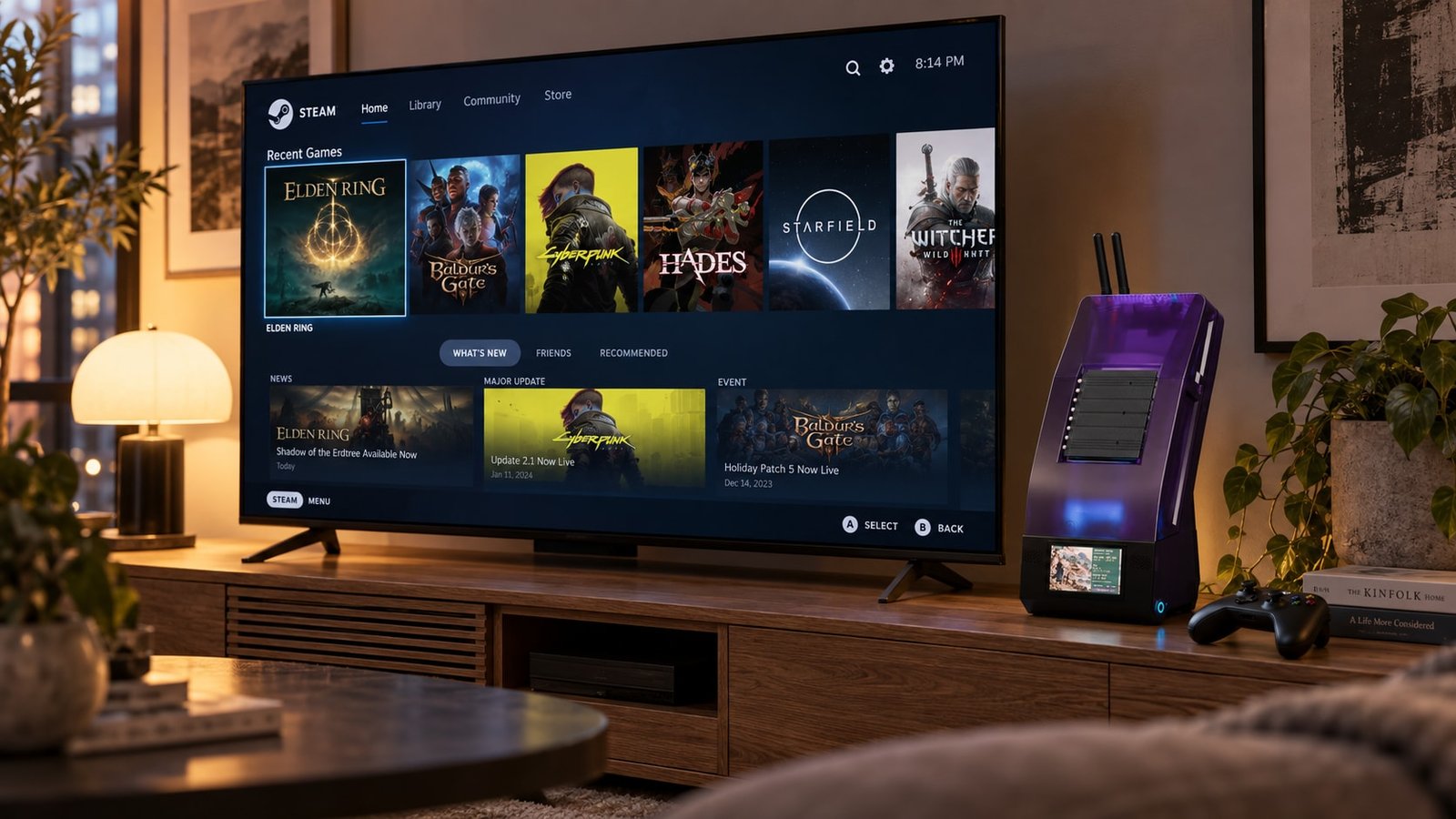
Steam is shown on the attached television; the case's small screen remains a separate resource dashboard. Read more about the hardware and the people giving it a second life in the BC250 blog post.
The project repository opens with the case-design overview. The case-design guide covers the SolidWorks files, editable Blender scenes, rendered films, and Git LFS download requirements. The complete firmware, host companion, supplied display media, and build instructions are together in display/, with the original display README retained there.
The next step is to manufacture the case, check the fit, and repeat the thermal checks with the enclosure in place. Gamepad startup remains on the software and control side.
If you would be interested in a small production run, get in touch. I am gauging interest in a batch of at least five, not taking orders at a confirmed price.