writing / 2026-10-01
The BC250 deserves a second life
There is something satisfying about giving yesterday's mining hardware a job that people actually enjoy. The BC250 is a good example: a surplus crypto-mining blade that a community of tinkerers is turning into an affordable Linux gaming machine.
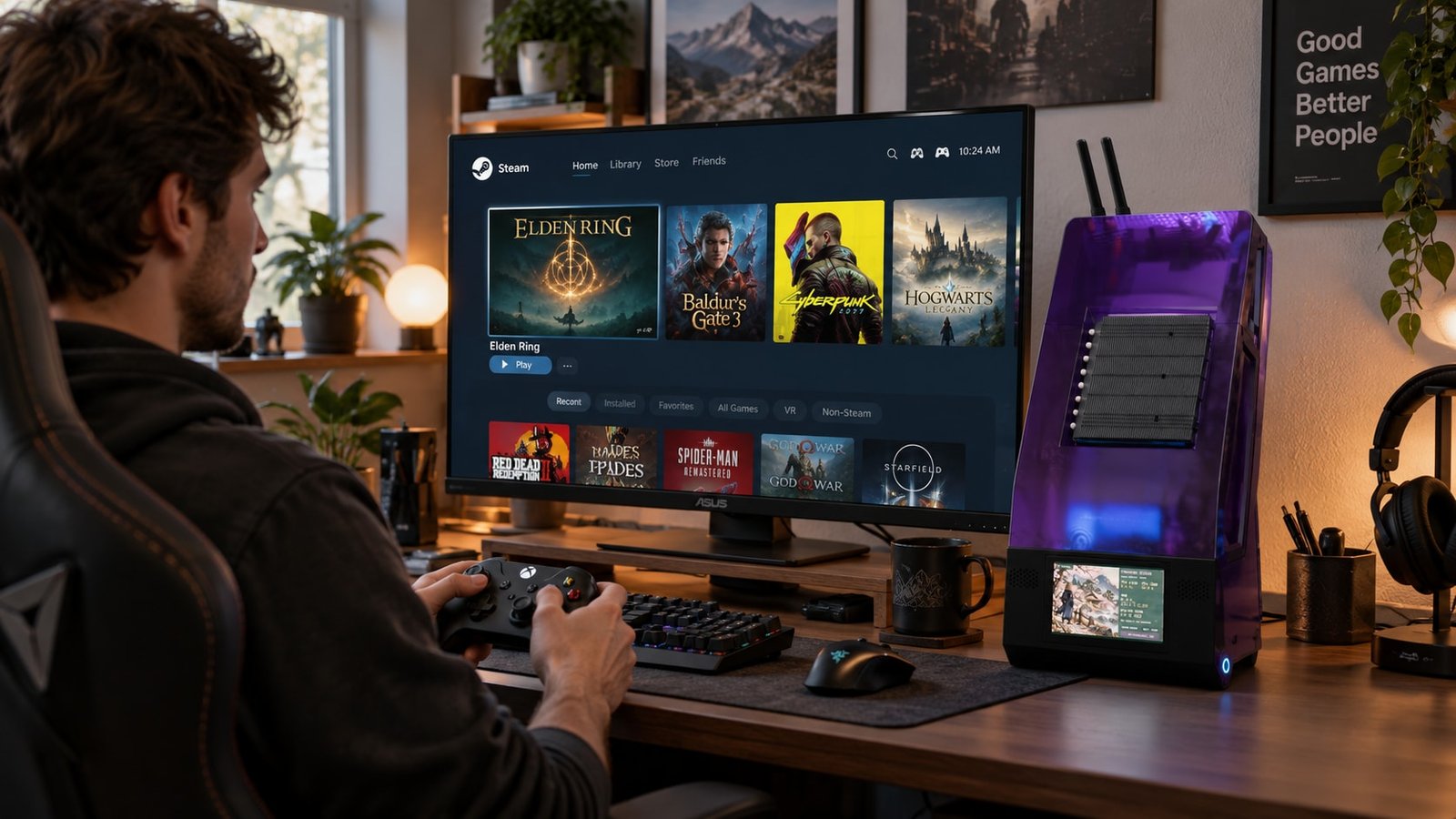
Concept imagery, not a photograph of a fabricated enclosure. The machine internals work; the case is still awaiting manufacture.
The community is the reason this works
The board uses AMD's PS5-derived Cyan Skillfish silicon and 16 GB of shared GDDR6. Its usual starting configuration is six Zen 2 CPU cores and 24 graphics compute units. That is a lot of useful hardware to dismiss because its original market moved on. The community hardware guide documents the platform and its limitations.
The interesting part is what people have built around it: Linux setup guides, GPU clock-management tools, cooling solutions, custom enclosures, and shared game results. Projects such as the Cyan Skillfish governor and the resources collected in awesome-bc250 turn isolated experiments into knowledge the next builder can use. Some boards can expose additional CPU or GPU resources, but a successful unlock on somebody else's board is no guarantee for yours.
My contribution: BC250 Ronin
I wanted a complete machine that belongs on a desk or beside a television. Ronin combines a sheet-metal backbone, removable magnetic covers, translucent PCTG panels, and an Elecrow CrowPanel Advanced 5-inch ESP32-P4 touchscreen at the base. The display runs an animated ronin scene while a USB companion supplies CPU, memory, and disk readings.
The current build uses:
- Memory and storage: 16 GB onboard GDDR6 and a 1 TB Sabrent Rocket Gen4 NVMe SSD.
- Power: Apevia 500 W SFX supply.
- Cooling: two 92 mm Arctic P9 PWM PST fans and a UTLgameng low-profile cooler on the main APU.
- Software: Bazzite, community BIOS version 3, and Movacx's BC250 Control Center, with all 40 GPU compute units enabled, a slight overclock, and a slight undervolt.
Following MandicReally's cooling approach, I cut the stock heatsink into three sections on a bandsaw and deburred them. The two ends returned to their original locations with thermal putty; the center section moved to the back of the PCB, also with putty. That reuses the original metal while giving the APU its own cooler.
The internals, software, and display are working, with an initial cooling check complete. Case fabrication and gamepad startup remain unfinished. The case design and display software are available to build on.
So far, I have spent about $375, including filament. The remaining sheet-metal part is estimated at $275, putting this particular build around $650. A batch of at least five could make the metalwork much more affordable: my target is a reduction of at least 60% in that part's cost. That is a target, not a supplier quote or a discount on the entire machine.
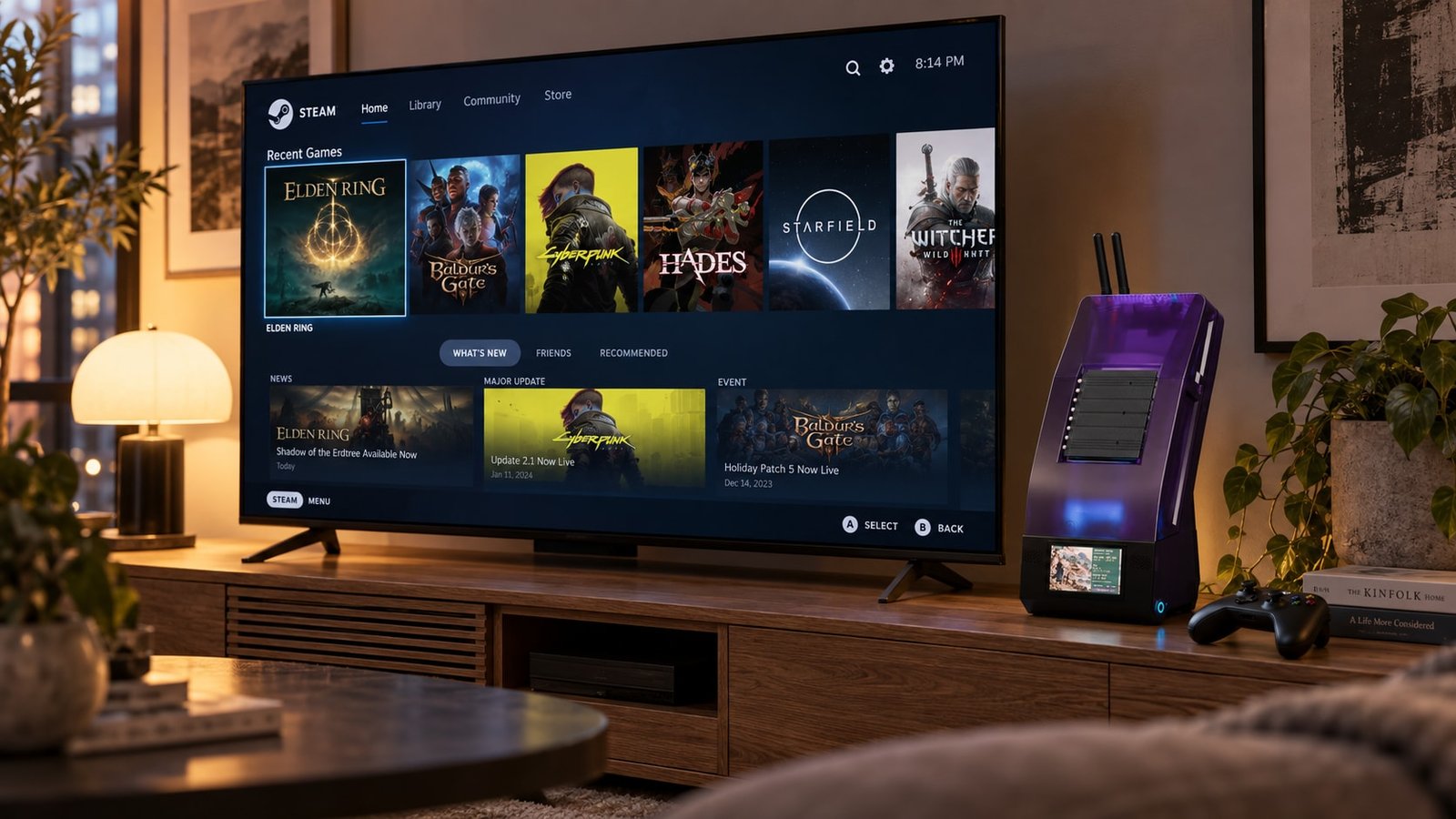
Living-room concept. Steam is shown on the television; the case's small screen is a separate resource display.
A Steam Machine alternative—with context
Community results make this an exciting alternative to a new Steam Machine. I am holding off on performance claims for Ronin until the enclosure is built: I want to measure the finished machine, with its actual airflow and temperatures. An unlocked GPU and a promising result from another build are starting points, not my benchmark results.
For someone who enjoys building and troubleshooting, the appeal is strong: reuse capable hardware, spend less, and learn from people openly sharing the fixes. The finished retail machine buys convenience and support; the BC250 invites participation.
That is the project I want to contribute to. Watch the film and explore Ronin, or get in touch if a small case-production run interests you.